Loading...
Menu
Trending Products

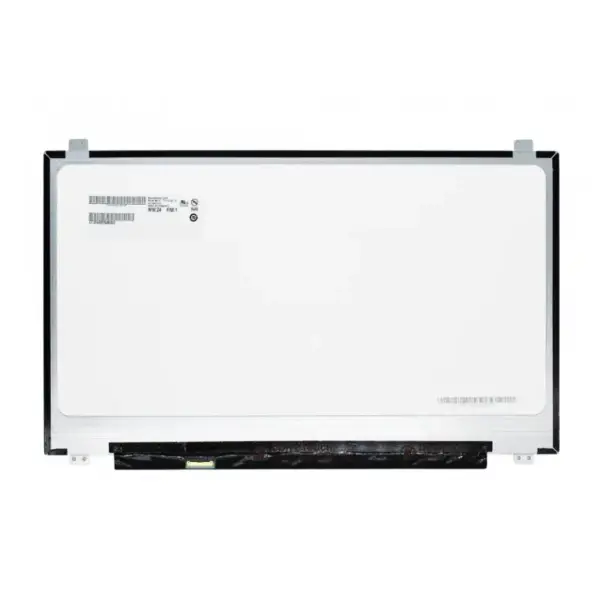
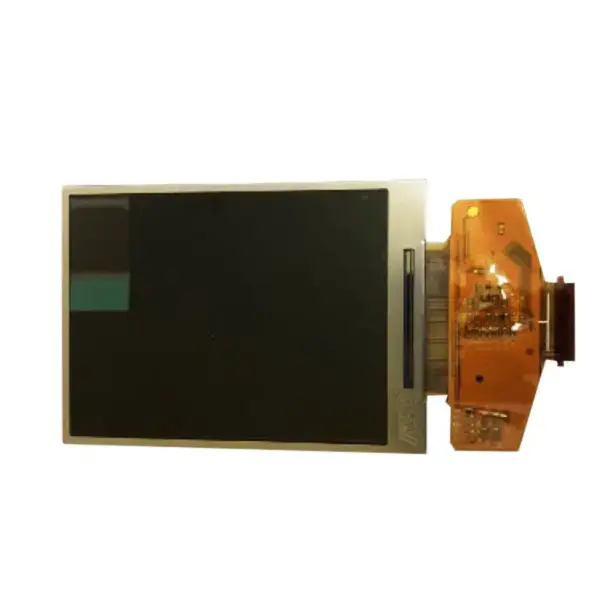
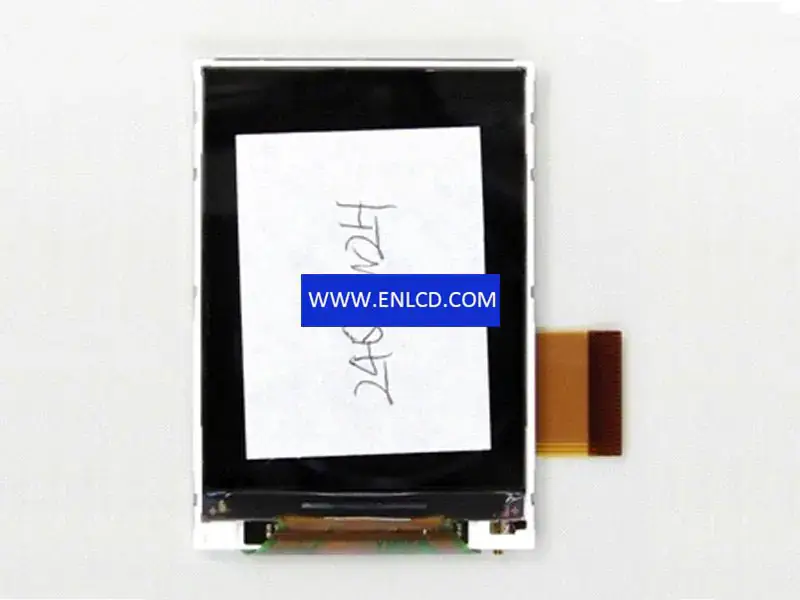
SII 24QVW2H LCD panel replacement

{{ product.price_format }}
{{ product.origin_price_format }}
Stock:
Brand: sii
SKU:{{ product.sku }}
Model: {{ product.model }}

{{ variable.name }} : {{ variable.values[selectedVariantsIndex[variable_index]].name }}

{{ value.name }}

Quantity:

Manufacturer:SII
Screen Size: 2.4 inch
Pixel Number: 240(RGB)×320(QVGA)
Active Area(mm):36.72 × 48.96 (H×V)
Bezel Area(mm):-
Luminance:350 (Typ.)(cd/m2)
Viewing Angle:70/70/70/60 (Typ.)(CR≥10)
Good View at:-
Color Depth:262K 50% (CIE1931)
Mass: 12.0g (Typ.)
Refresh Rate:-
Model Name:24QVW2H
Screen Type:LCM ,a-Si TFT-LCD
Arrangement:RGB Vertical Stripe
Outline(mm): 42.06 × 60.26(H×V×D)
Treatment:Clear, Hard coating
Contrast Ratio: 400 : 1 (Typ.) (TM)
Work Mode: TN, Normally White, Transmissive
Response:30 (Typ.)(Tr+Td) ms
Backlight:3S1P WLED
Used for: Handheld & PDA,
Touchscreen:Without
Signal Type:Parallel RGB, FPC, 51 pins
Max. Ratings: Storage Temp.: -30 ~ 80 °C Operating Temp.: -20 ~ 70 °C

We use the following logistics services to deliver your order:

Yunexpress DDP: All customs duties and taxes are included. Delivery takes 6-12 working days.

DHL, UPS, FedEx: Delivery takes 2-4 working days. 

Product condition: Brand New We can provide customized testing video upon request.

Request a quote

Description of your requirements:

My Footprints

View more
14 Inch NV140FHM-A10 NV140FHM-N32 LCD Panel
$25.00
15.6 Inch N156HRA-EA1 B156HAN13.0 LCD Panel
$75.00
NE156QUM-N55 NE156QUM-N64 NE156QUM-N66 15.6 Inch LCD Panel
$123.00
Innolux N140HCN-G53 LP140WFB-SPH1 B140HAK03.1 14.0 Inch LCD Panel
$25.00
14.0 Inch LED screen Matte Ips LP140WFH-SPF1
$43.00
TIANMA TL055VDXC01 LCD
$66.66
Nginx server needs to configure pseudo-static rules, click View configuration method