Loading...
Menu
Trending Products

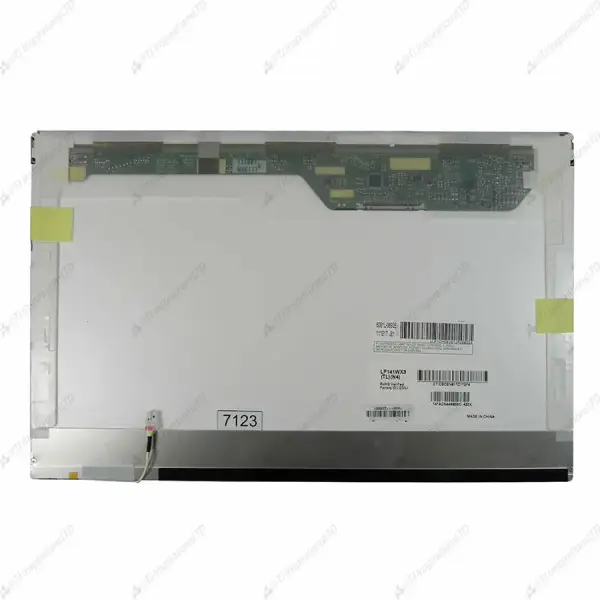
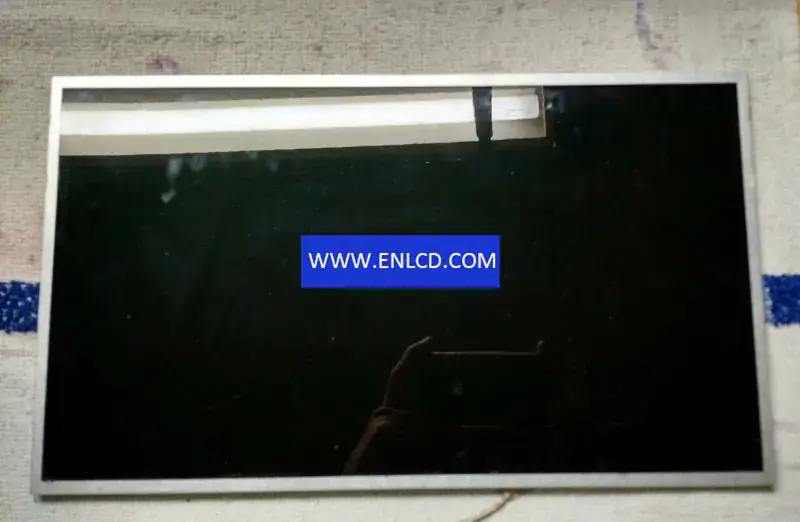
LG Display LP141WP1-TLB3 LCD panel

{{ product.price_format }}
{{ product.origin_price_format }}
Stock:
Brand: LG Display
SKU:{{ product.sku }}
Model: {{ product.model }}

{{ variable.name }} : {{ variable.values[selectedVariantsIndex[variable_index]].name }}

{{ value.name }}

Condition:

Quantity:


Brand:LG.Philips LCD
Model:LP141WP1-TLB3 (LPL0000) 3 Compatible
Diagonal Size:14.1 inch
Type:a-Si TFT-LCD, LCM
Pixel Format:1440(RGB)×900[WXGA+]
Configuration: RGB Vertical Stripe
Active Area:303.69(H)×189.81(V) mm
Outline Dim.:319.5(H)×205.5(V)×5.5(D) mm
Bezel Area:306.76(H)×193.0(V) mm
Treatment:Glare (Haze 0%)
Luminance:220 cd/m2 (Typ.)
Contrast Ratio: 300:1 (Min.) (TM)
View Direction:6 o’clock
Response Time:10/20 (Typ.)(Tr/Td)
Viewing Angle:40/40/15/30 (Min.)(CR≥10)
Operating Mode:TN, Normally White, Transmissive
Support Color:262K 45%(CIE1931)
Light Source:CCFL[1 pcs], 15K hours, W/O Driver
Form Style: Wedge (PCBA Bent, Depth ≥5.2mm)
Designed For: Laptop,
Frame Rate:60Hz
Touch Panel:Without
Interface Type: 30 pinsLVDS (2 ch, 6-bit), Connector
Power Supply:3.3V (Typ.)
Environment: Operating Temperature: 0 ~ 50 °C ; Storage Temperature: -20 ~ 60 °C

Request a quote

Description of your requirements:
My Footprints

View more
Innolux AT080TN03 V.1 LCD panel Innolux AT080TN03 V.1 LCD panel
Innolux AT080TN03 V.1 LCD panel
$15.00
Ebmpapst R2E220-AA40-80 Fan Ebmpapst R2E220-AA40-80 Fan
Ebmpapst R2E220-AA40-80 Fan
$116.00
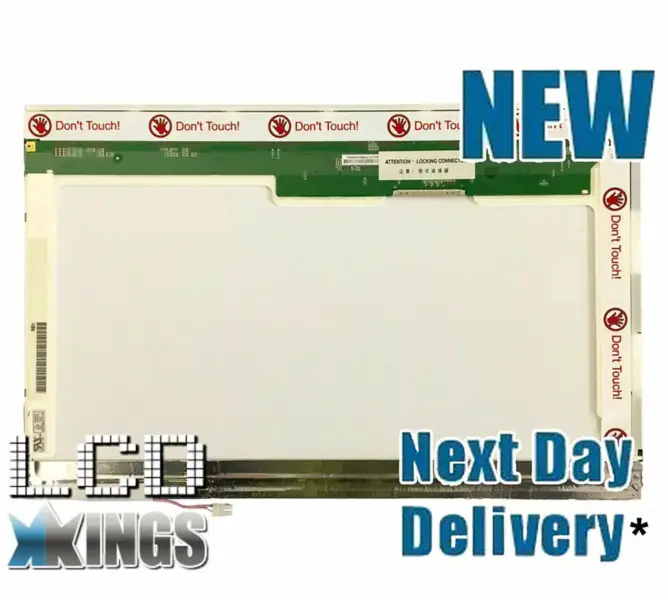
LG Display LP140WX1-TL03 LCD panel
$25.00
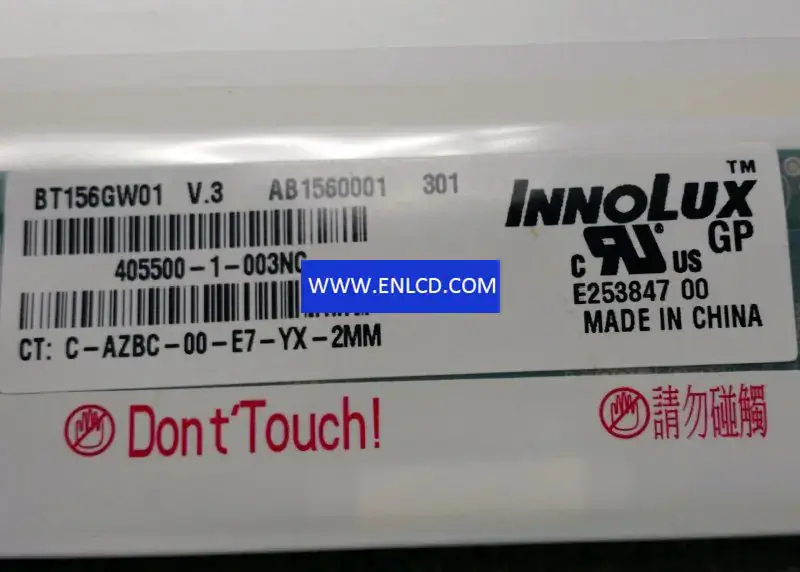
Innolux BT156GW01 V.3 LCD panel replacement for Laptop Innolux BT156GW01 V.3 LCD panel replacement for Laptop
Innolux BT156GW01 V.3 LCD panel replacement for Laptop
$21.00
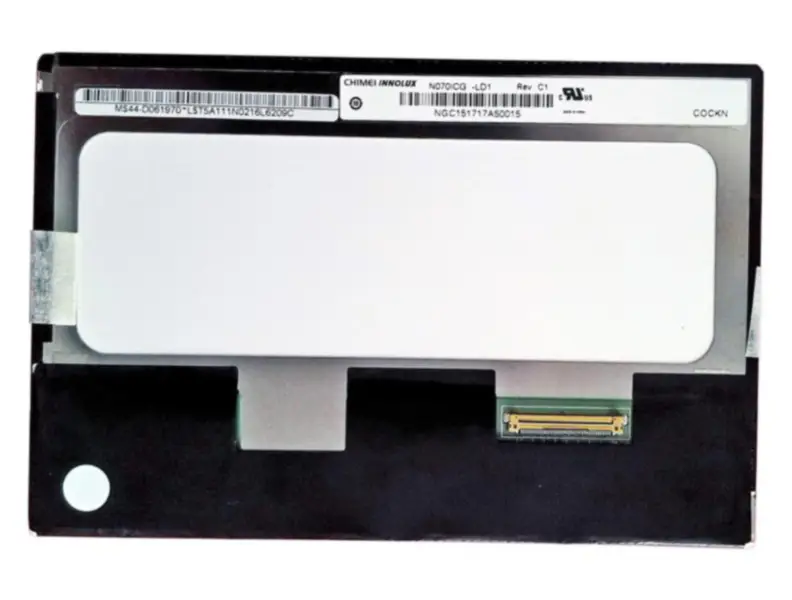
Innolux N070ICG-LD1 LCD
$66.66
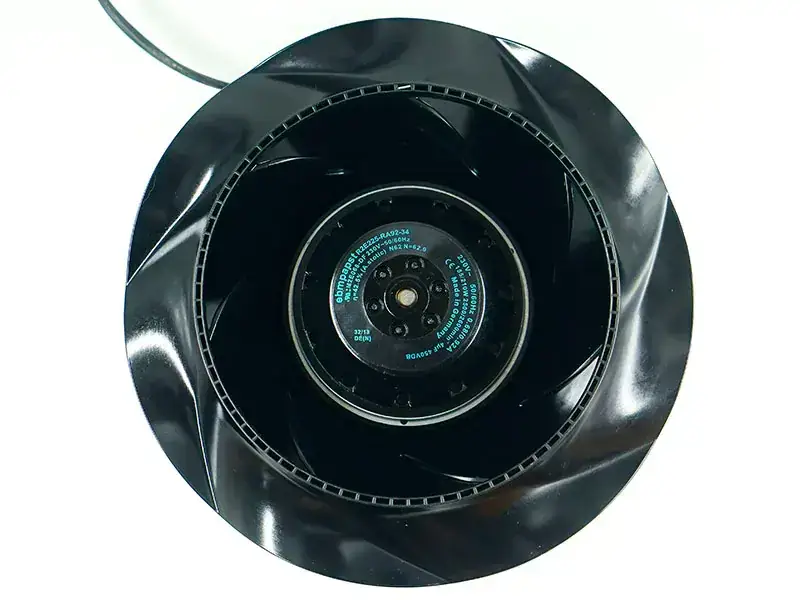
Ebmpapst R2E225-RA92-34 Fan Ebmpapst R2E225-RA92-34 Fan
Ebmpapst R2E225-RA92-34 Fan
$373.00
AU Optronics M170EN04 V7 LCD
$66.66
CLAA080LJ01CW CPT LCD panel
$29.00
Nginx server needs to configure pseudo-static rules, click View configuration method