

{{ variable.name }} : {{ variable.values[selectedVariantsIndex[variable_index]].name }}
Menge:
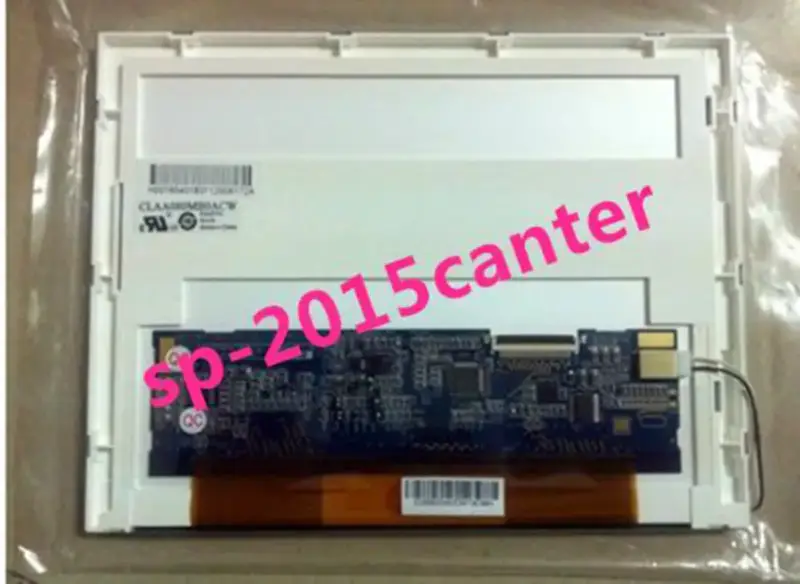
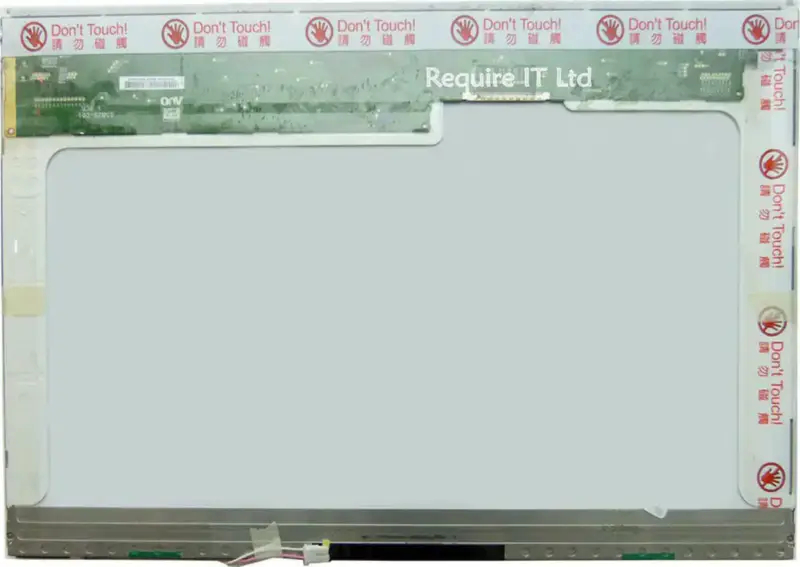
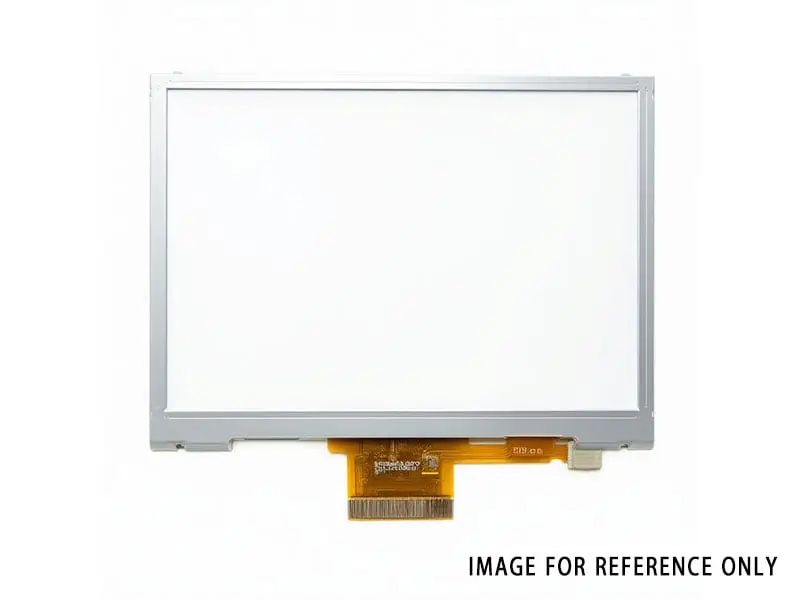
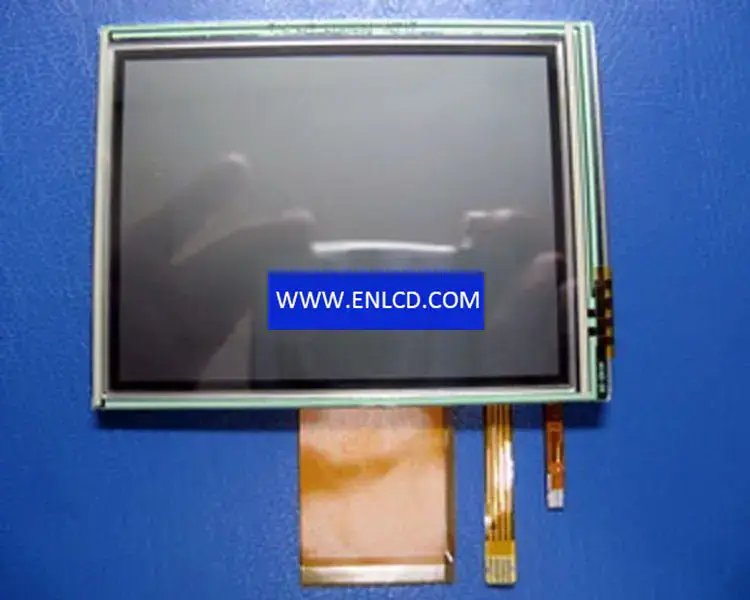
Panel-Marke: SHARP
Panel-Modell: LQ035Q7DB04
Panelgröße: 3,5 Zoll
Panel-Typ:a-Si TFT-LCD, LCM
Auflösung: 240 (RGB) × 320, QVGA
Pixelformat:RGB vertikale Streifen
Anzeigefläche: 53,64 (B) × 71,52 (H) mm
Rahmenöffnung: 57,3 (B) × 75,2 (H) mm
Außenmaße: 65 (B) x 85 (H) x 4,8 (T) mm
Oberfläche: Hartbeschichtung (3H)
Helligkeit: 50 cd/m2 (typisch)
Kontrastverhältnis: 70:1 (typisch) (TM) 8:1 (typisch) (RF)
Betrachtungswinkel: 40/40/40/50 (typisch) (CR≥10)
Anzeigemodus: TN, Normalweiß, Transflektiv
Optimale Blickrichtung: 6 Uhr
Reaktionszeit: 60/100 (typisch) (Tr/Td)
Anzeigefarben: 262K
Lampentyp: WLED, 10.000 Stunden, ohne Treiber
Frequenz: 60 Hz
Touchscreen: Eingebettet (4-Draht-Resistiv)
Panelgewicht: 50,0 g (typisch)
Anwendung:
Signal-Schnittstelle: Paralleles RGB (1 Kanal, 6 Bit), 50 Pins, FPC
Eingangsspannung: 5,0/3,3/15,0/-10,0 V (typisch) (VSGA/VSHD/VDD/VEE)
Umgebung: Betriebstemperatur: -10 ~ 60 °C; Lagertemperatur: -25 ~ 70 °C
Wir nutzen folgende Logistikdienste, um Ihre Bestellung nach Deutschland zu liefern:
Yunexpress DDP: Alle Zollgebühren und Steuern sind inbegriffen. Die Lieferung dauert 6-12 Werktage.
DHL, UPS, FedEx: Die Lieferung dauert 2-4 Werktage. Sie müssen die Zollsteuer selbst zahlen, die vom Logistikunternehmen bei der Lieferung erhoben wird.
Zustand: Neu Wir können auf Anfrage ein individuelles Testvideo bereitstellen.
Beschreibung Ihrer Anforderungen: