Loading...
Menu
Trending Products

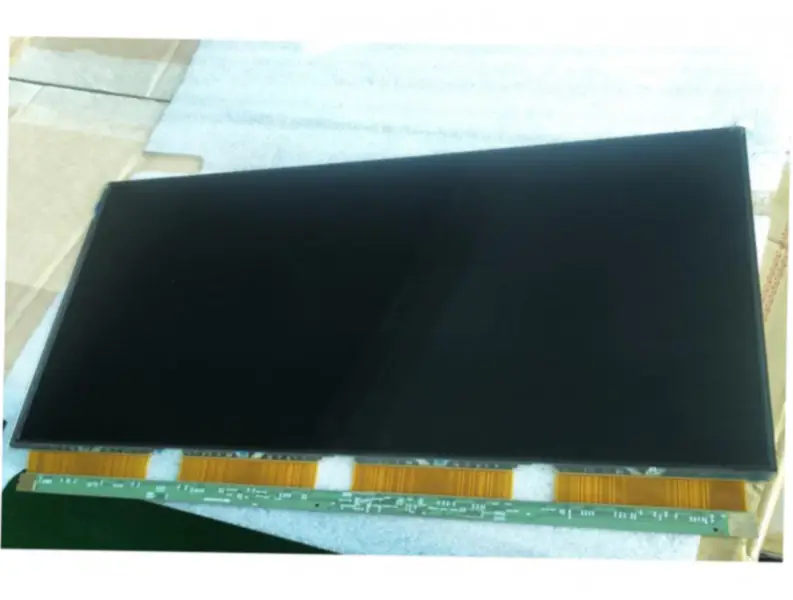
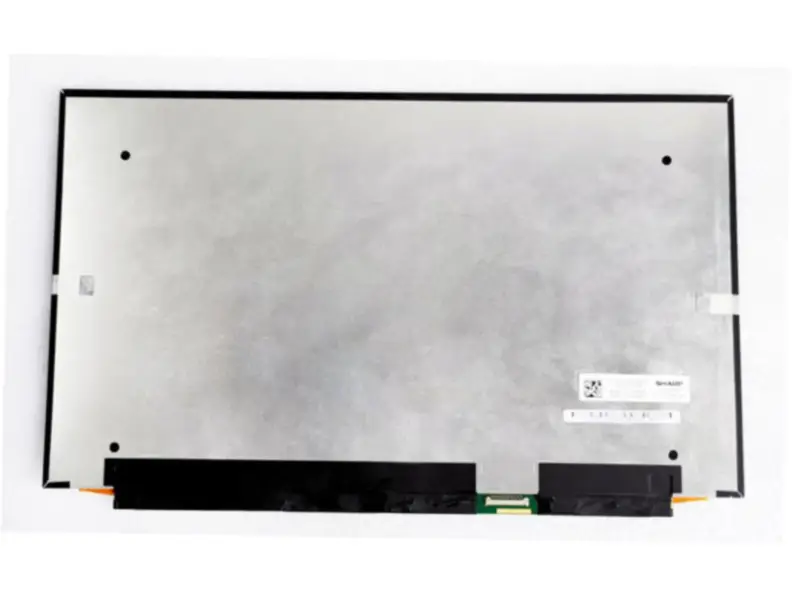
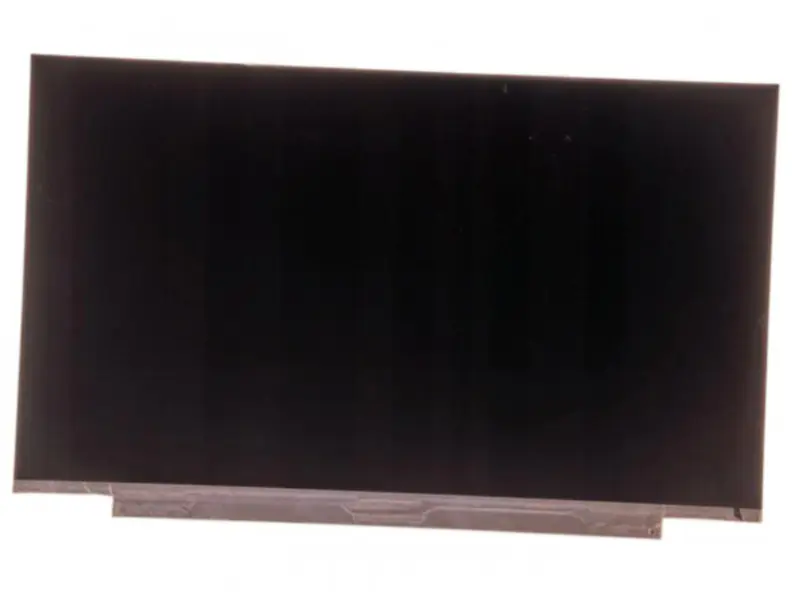
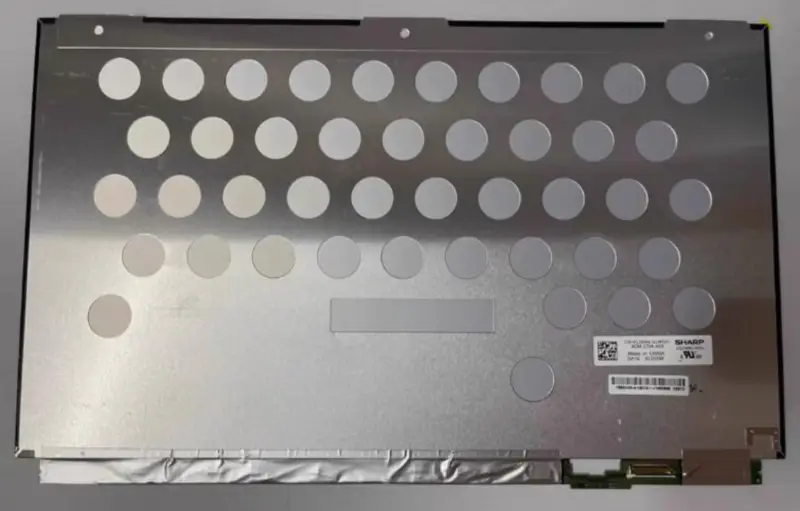
Sharp LQ156M1JW31 LCD

{{ product.price_format }}
{{ product.origin_price_format }}
Stock:
Brand: Sharp
SKU:{{ product.sku }}
Model: {{ product.model }}

{{ variable.name }} : {{ variable.values[selectedVariantsIndex[variable_index]].name }}

{{ value.name }}

Condition:

Quantity:

Specification

Model P/N:LQ156M1JW31
Brand:Sharp
Diagonal Size:15.6"
Resolution:1920(RGB)×1080, FHD 141PPI
Contrast Ratio:1000:1 (Typ.) (TM)
Viewing Angle:89/89/89/89 (Typ.)(CR≥10)
Panel Type:Oxide TFT-LCD, LCM
Pixel Format:RGB Vertical Stripe
Active Area:344.16(W)×193.59(H) mm
Bezel Opening:-
Outline Dim:351.9(H)×220.2(V) ×2.8(D) mm
Treatment:Antiglare (Haze 25%), Hard coating (3H)
Luminance:400 cd/m² (Typ.)
View Direction:Symmetry
Response Time:30 (Typ.)(Tr+Td)
Operating Mode:New Mode2, Normally Black, Transmissive
Support Color:16.7M 71% NTSC
Light Source:WLED , 15K hours , With LED Driver
Designed For:Laptop
Frame Rate:60Hz
Touch Panel:Without
Interface Type:eDP (2 Lanes) , eDP1.3 , HBR1 (2.7G/lane) , 30 pins Connector
Power Supply:3.3V (Typ.)
Form Style:Slim (PCBA Flat, T≤3.2mm)

Request a quote

Description of your requirements:
My Footprints

View more
Sharp LQ156D1JX05 LCD
$66.66
Innolux HJ070NA-13B LCD panel replacement for Laptop
$44.00
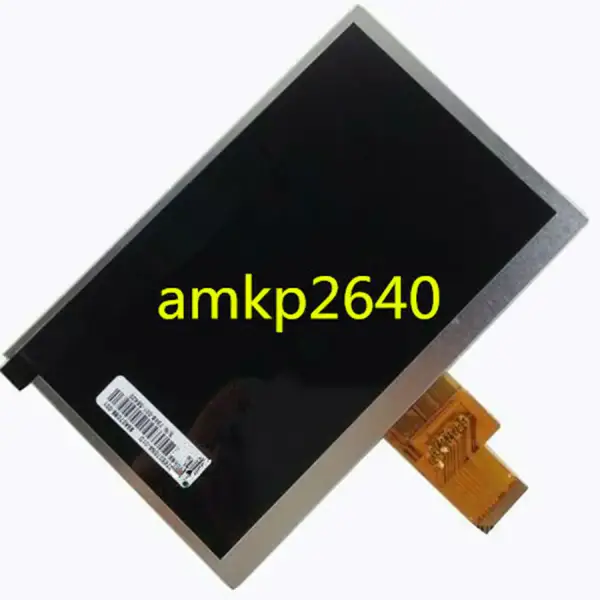
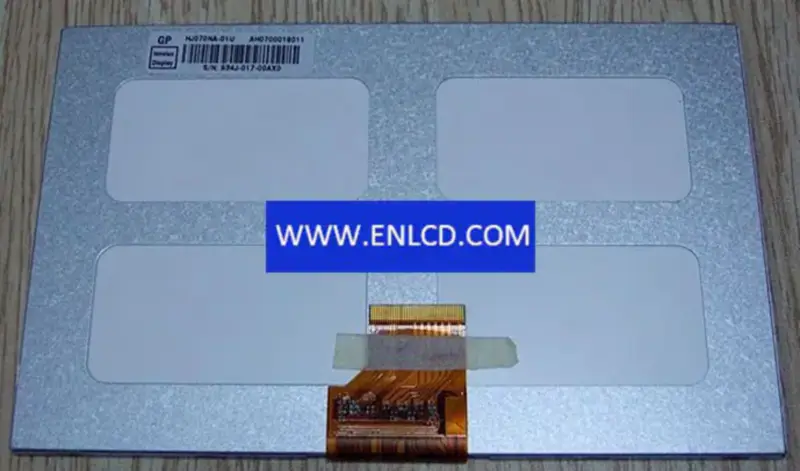
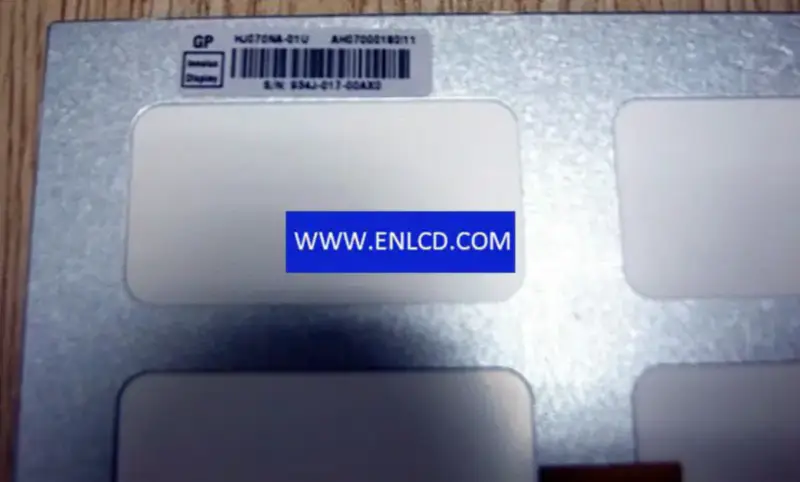
Innolux HJ070NA-01U LCD panel Innolux HJ070NA-01U LCD panel
Innolux HJ070NA-01U LCD panel
$38.00
Innolux HJ080IA-01F LCD panel replacement for Laptop Innolux HJ080IA-01F LCD panel replacement for Laptop
Innolux HJ080IA-01F LCD panel replacement for Laptop
$39.00
SHARP LS055T3SX05 LCD panel SHARP LS055T3SX05 LCD panel
SHARP LS055T3SX05 LCD panel
$32.00
Innolux HJ070IA-01I LCD panel replacement for Pad & Tablet Innolux HJ070IA-01I LCD panel replacement for Pad & Tablet
Innolux HJ070IA-01I LCD panel replacement for Pad & Tablet
$15.00
Sharp LQ156D1JW44 LCD
$76.00
Sharp LQ156M1JW04 LCD
$79.00
Nginx server needs to configure pseudo-static rules, click View configuration method