Loading...
Menu
Trending Products
Ones Lcd Panel Replacement Ones Pcb-t240128#6-01
$63.00
BT42008VSS-1 42008VSS-1 BT42008V1-01 BT42008V LCD board
$50.00
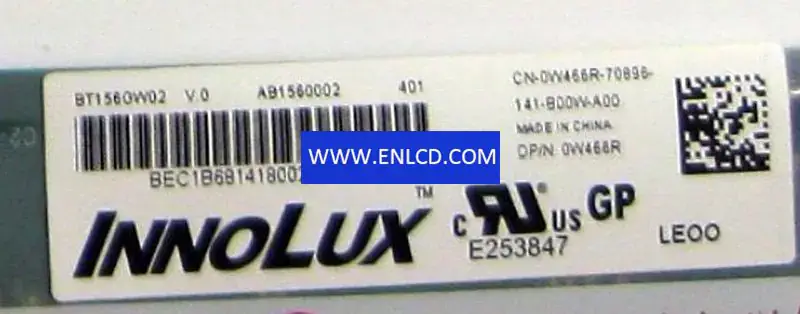
BT156GW02 V.0 Innolux LCD panel replacement for Laptop BT156GW02 V.0 Innolux LCD panel replacement for Laptop
BT156GW02 V.0 Innolux LCD panel replacement for Laptop
$19.00
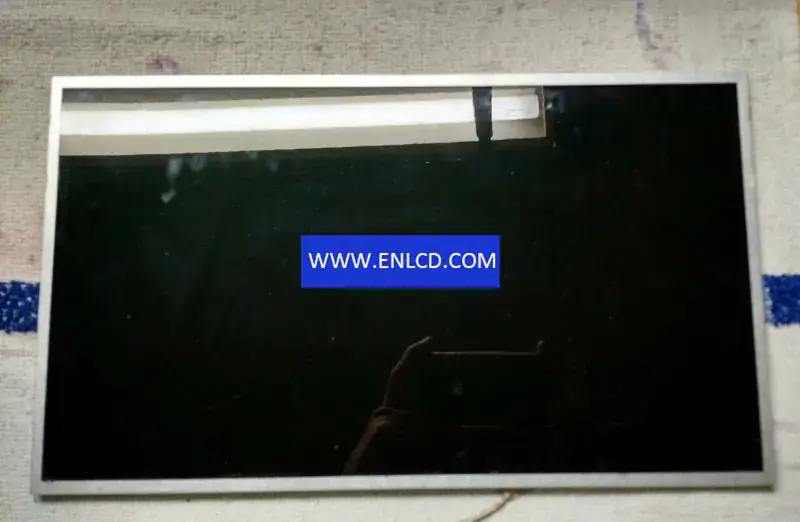
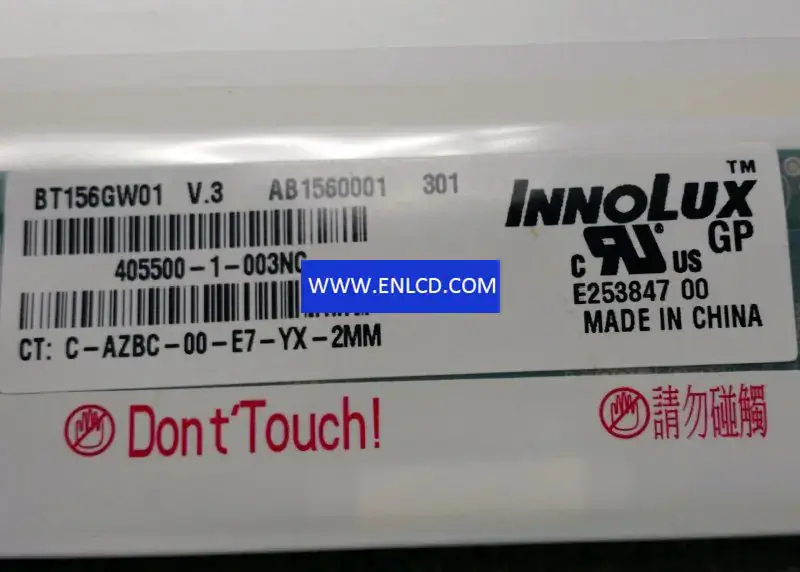
BT156GW01 V.3 Innolux LCD panel replacement for Laptop BT156GW01 V.3 Innolux LCD panel replacement for Laptop
BT156GW01 V.3 Innolux LCD panel replacement for Laptop
$21.00
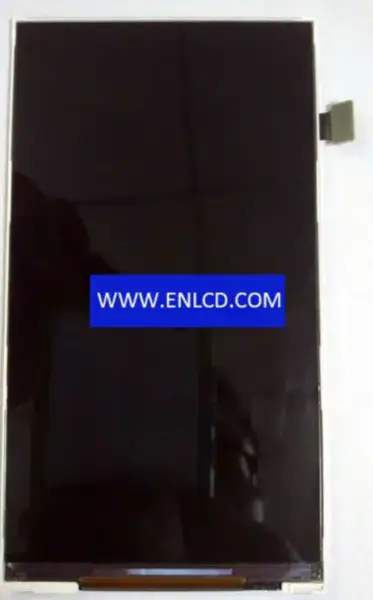
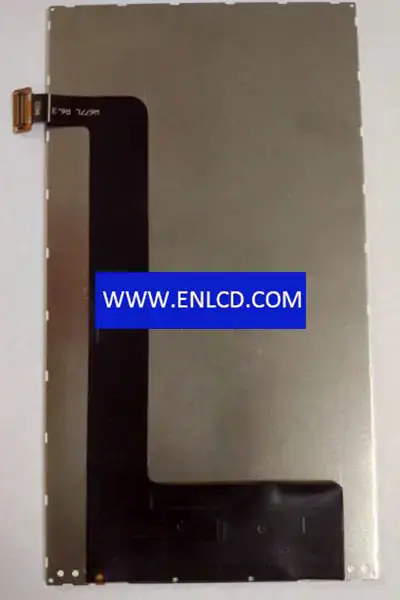
BTL507212-W677L BOE LCD panel replacement for Mobile Phone BTL507212-W677L BOE LCD panel replacement for Mobile Phone
BTL507212-W677L BOE LCD panel replacement for Mobile Phone
$20.00
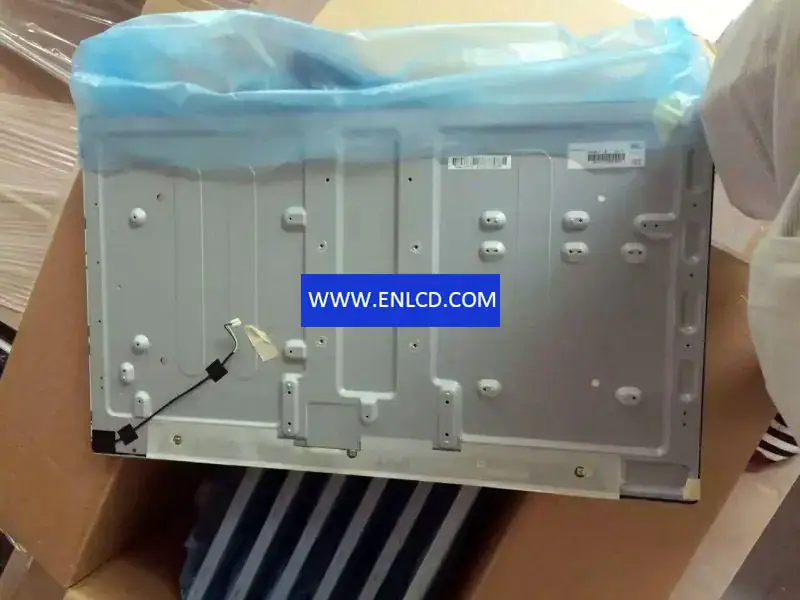
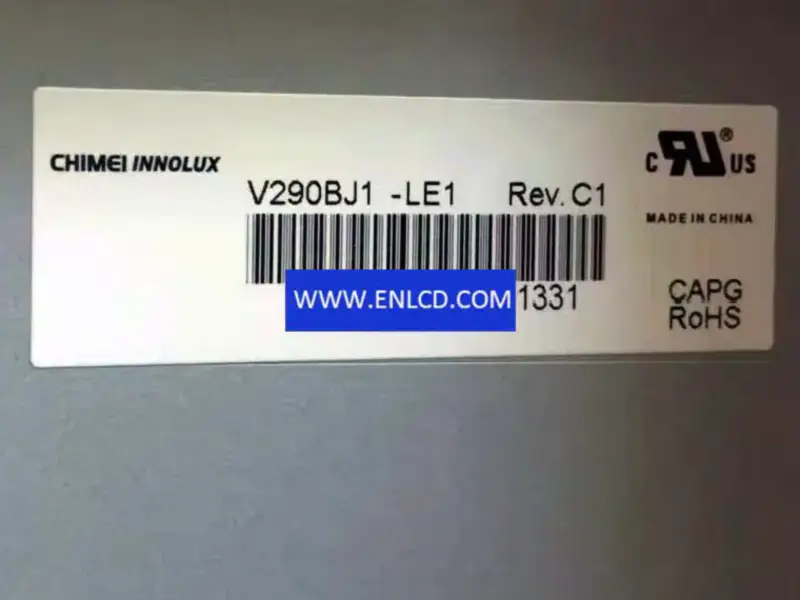
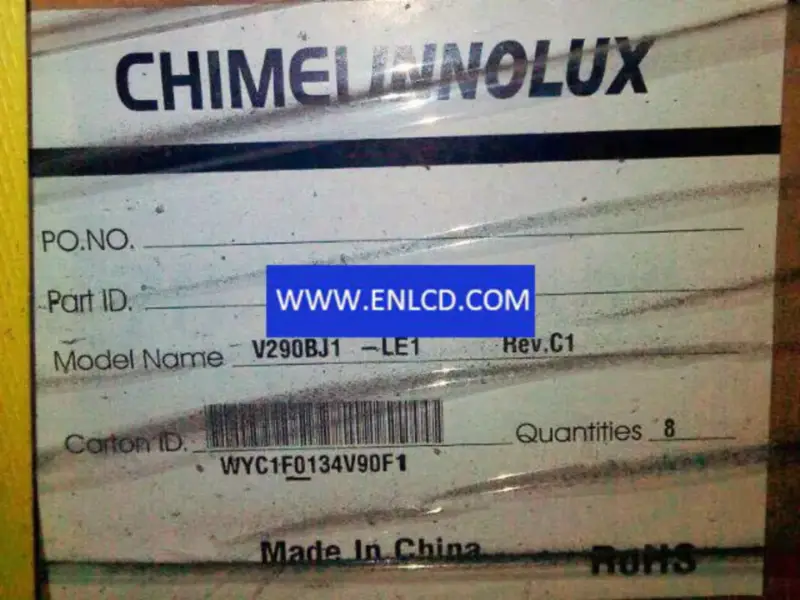
V290BJ1-LE1 Innolux LCD panel replacement

{{ product.price_format }}
{{ product.origin_price_format }}
Stock:
SKU:{{ product.sku }}
Model: {{ product.model }}
weight: {{ product.weight }} Kilogram

{{ variable.name }} : {{ variable.values[selectedVariantsIndex[variable_index]].name }}

{{ value.name }}

Condition:

Quantity:


Manufacturer:Chimei Innolux
Model Name:V290BJ1-LE1
Screen Size:29.0 inch
Screen Type:LCM,a-Si TFT-LCD
Pixel Number:1366(RGB)×768 (WXGA)
Arrangement:RGB Vertical Stripe
Active Area(mm): 631.092 × 354.816 (H×V)
Outline(mm):654.8 × 380.7 (H×V×D)
Bezel Area(mm): 635.0 × 358.8 (H×V)
Treatment: Antiglare (Haze 3.5%)
Luminance:300 cd/m2 (Typ.)
Contrast Ratio:3000 : 1 (Typ.) (TM)
Viewing Angle: 88/88/88/88 (Typ.)(CR≥20)
Response: 9.5 (Typ.)(G to G) ms
Good View at: Symmetry
Work Mode: Super MVA, Normally Black, Transmissive
Color Depth:16.7M 72%(CIE1931)
Backlight:WLED, 30K hours, No Driver
Mass: 3.70/3.80Kgs (Typ./Max.)
Used for: TV Sets,
Refresh Rate:60Hz
Touchscreen:Without
Signal Type: LVDS (1 ch, 8-bit), Connector , 30 pins
Voltage Supply:12.0V (Typ.)
Max. Ratings: Storage Temp.: -20 ~ 60 °COperating Temp.: 0 ~ 50 °C

Request a quote

Description of your requirements:

Nginx server needs to configure pseudo-static rules, click View configuration method