Loading...
Menu
Trending Products
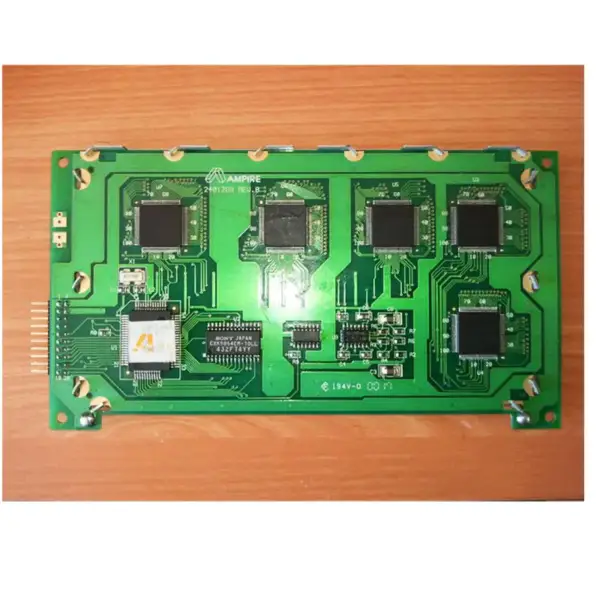
Ones Lcd Panel Replacement Ones Pcb-t240128#6-01
$63.00
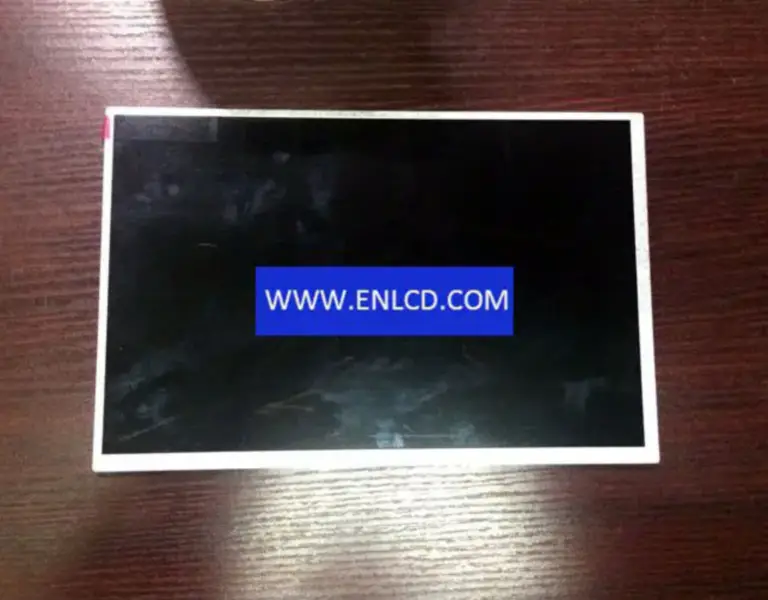
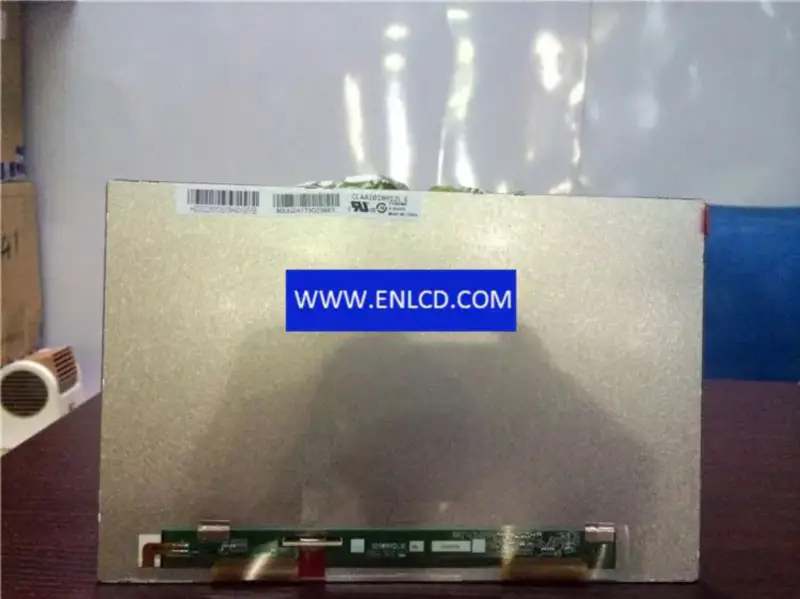
CLAA101WH12 LE CPT LCD panel replacement CLAA101WH12 LE CPT LCD panel replacement
CLAA101WH12 LE CPT LCD panel replacement
$20.00
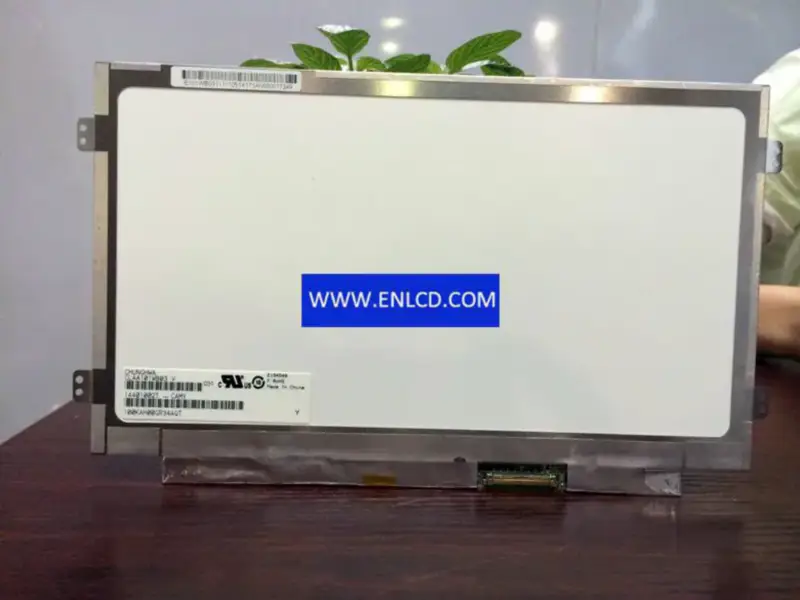
CLAA101WB03 CPT LCD panel replacement CLAA101WB03 CPT LCD panel replacement
CLAA101WB03 CPT LCD panel replacement
$27.00
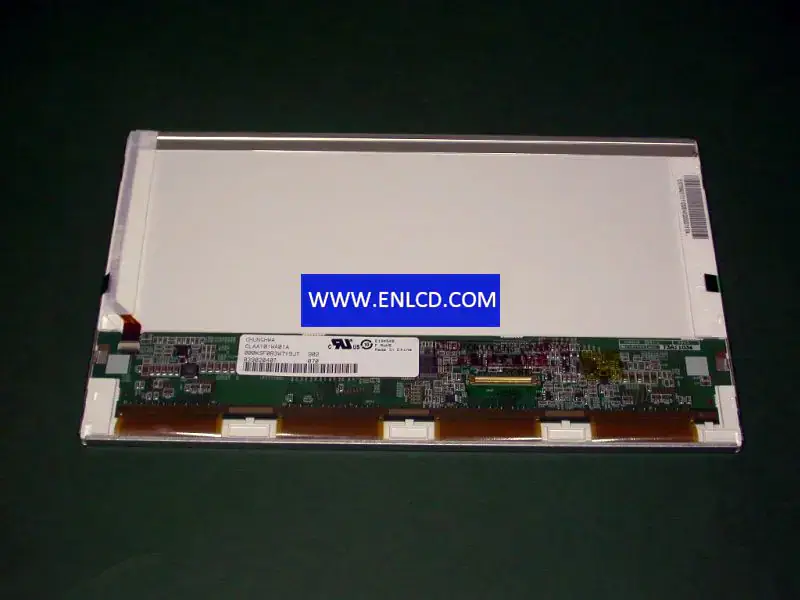
CLAA101WA01A CPT LCD panel replacement for Laptop CLAA101WA01A CPT LCD panel replacement for Laptop
CLAA101WA01A CPT LCD panel replacement for Laptop
$23.00
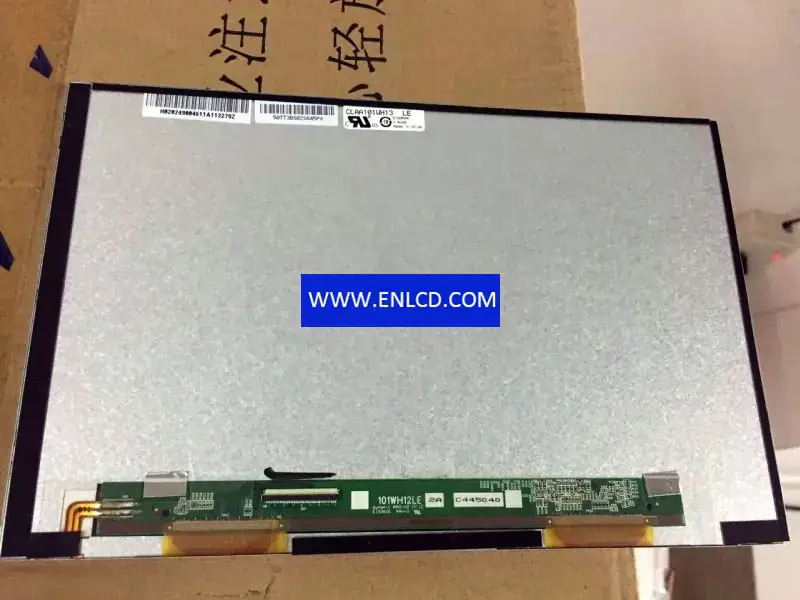
CLAA101WH13LE CPT LCD panel replacement for Pad & Tablet CLAA101WH13LE CPT LCD panel replacement for Pad & Tablet
CLAA101WH13LE CPT LCD panel replacement for Pad & Tablet
$20.00
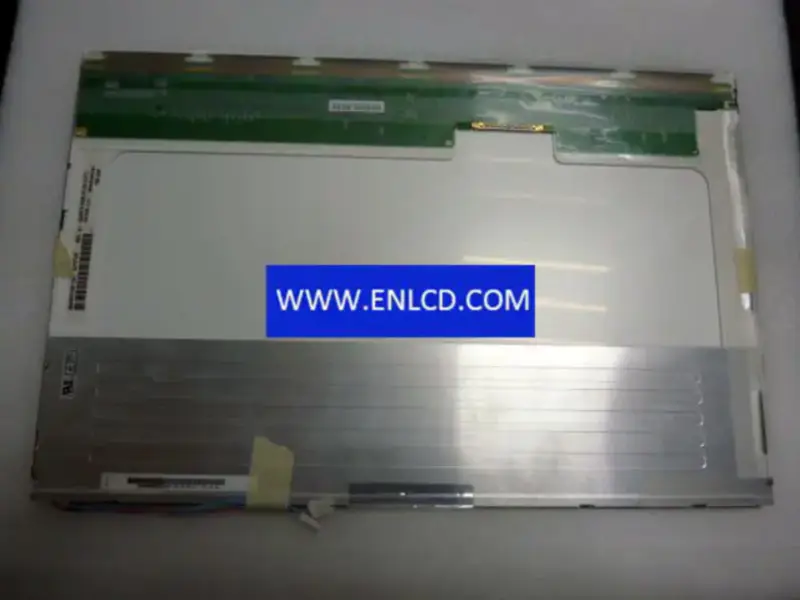
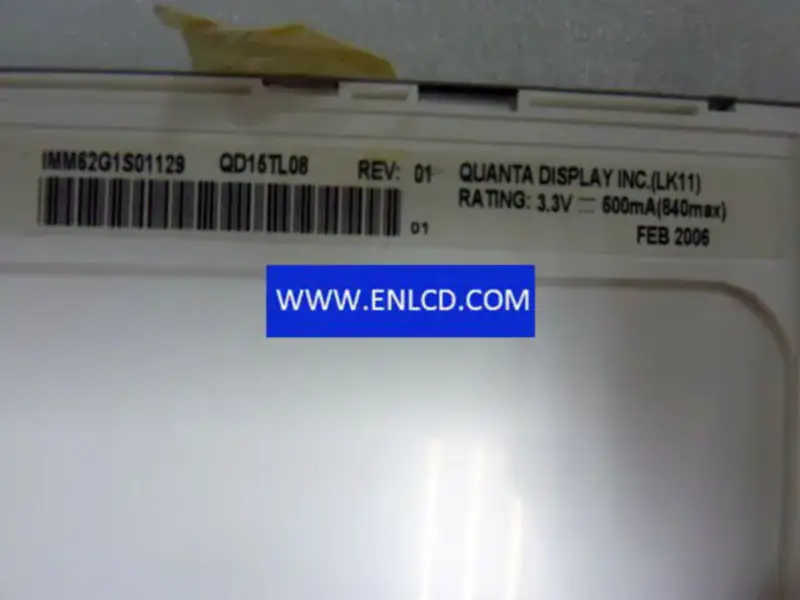
QD15TL08 Rev.01 QDI LCD panel replacement for Touch Panel

{{ product.price_format }}
{{ product.origin_price_format }}
Stock:
SKU:{{ product.sku }}
Model: {{ product.model }}
weight: {{ product.weight }} Kilogram

{{ variable.name }} : {{ variable.values[selectedVariantsIndex[variable_index]].name }}

{{ value.name }}

Condition:

Quantity:


Brand:QDI
Model:QD15TL08 Rev.01 (QDS0058) 4 Compatible
Diagonal Size:15.4 inch
Type:a-Si TFT-LCD, LCM
Pixel Format:1280(RGB)×800[WXGA]
Configuration: RGB Vertical Stripe
Active Area:331.2(H)×207(V) mm
Outline Dim.:344(H)×225(V)×7(D) mm
Bezel Area:335.0(H)×210.7(V) mm
Treatment:Glare (Haze 0%), Hard coating (2H), Reflection 1.25% (Max.)
Luminance:500 cd/m2 (Typ.)
Contrast Ratio: 500:1 (Typ.) (TM)
View Direction:6 o’clock
Response Time:12 (Typ.)(Tr+Td)
Viewing Angle:70/70/65/60 (Typ.)(CR≥10)
Operating Mode:TN, Normally White, Transmissive
Support Color:262K
Light Source:CCFL[2 pcs], 15K hours, W/O Driver
Form Style: Wedge (PCBA Bent, Depth ≥5.2mm)
Designed For: Laptop,
Frame Rate:60Hz
Touch Panel:Without
Interface Type: 30 pinsLVDS (1 ch, 6-bit), Connector
Power Supply:3.3V (Typ.)
Environment: Operating Temperature: 0 ~ 50 °C ; Storage Temperature: -25 ~ 60 °C

Request a quote

Description of your requirements:

Nginx server needs to configure pseudo-static rules, click View configuration method