Loading...
Menu
Trending Products
Ones Lcd Panel Replacement Ones Pcb-t240128#6-01
$63.00
LS027T3DG01 SHARP LCD panel replacement for Touch Panel LS027T3DG01 SHARP LCD panel replacement for Touch Panel
LS027T3DG01 SHARP LCD panel replacement for Touch Panel
$20.00
LS027B7DH01 SHARP LCD panel replacement LS027B7DH01 SHARP LCD panel replacement
LS027B7DH01 SHARP LCD panel replacement
$23.00
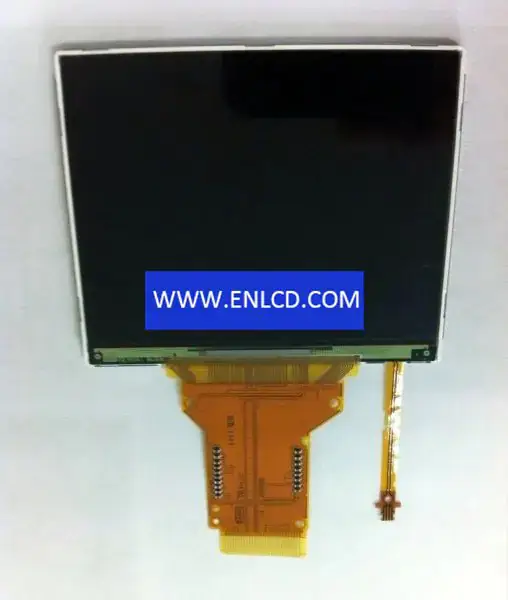
LS026Q7UX01 SHARP LCD panel replacement for Mobile Phone LS026Q7UX01 SHARP LCD panel replacement for Mobile Phone
LS026Q7UX01 SHARP LCD panel replacement for Mobile Phone
$53.00
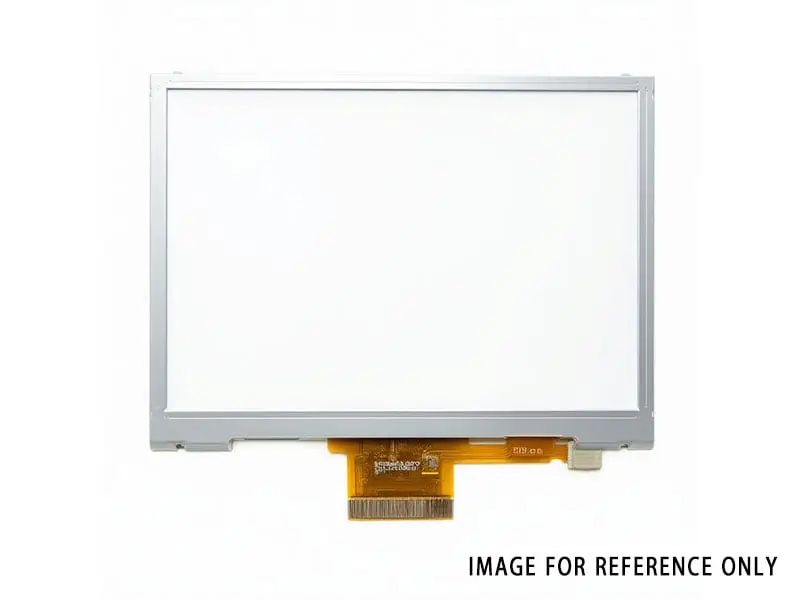
LS029B3SX04 2.9" 1440*1440 LCD Panel for SHARP
$69.00
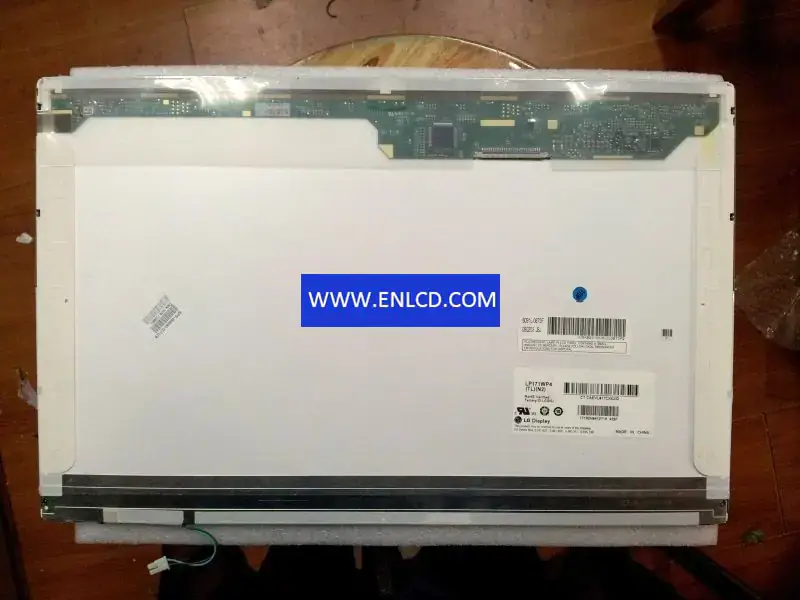
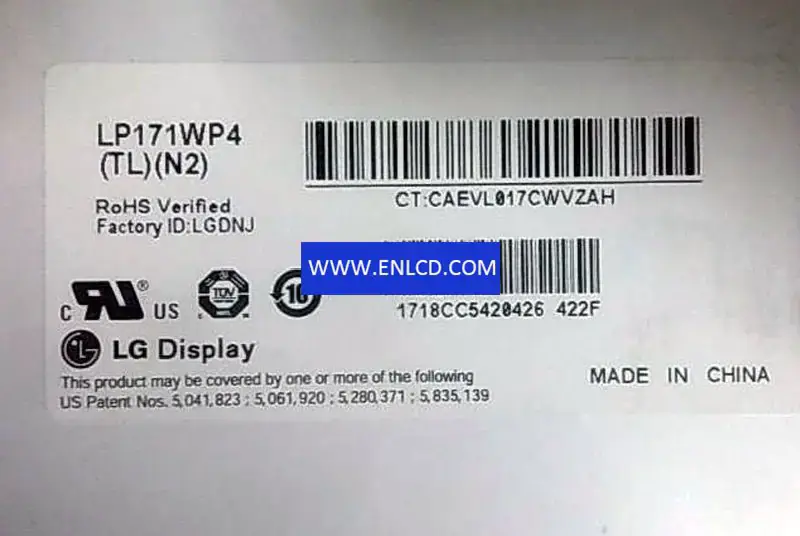
LP171WP4-TLN2 LG Display LCD panel replacement for Laptop

{{ product.price_format }}
{{ product.origin_price_format }}
Stock:
SKU:{{ product.sku }}
Model: {{ product.model }}
weight: {{ product.weight }} Kilogram

{{ variable.name }} : {{ variable.values[selectedVariantsIndex[variable_index]].name }}

{{ value.name }}

Condition:

Quantity:


Panel Brand:LG Display
Panel Model:LP171WP4-TLN2 (LPLA104) 9 Compatible
Panel Size:17.1 inch
Panel Type:a-Si TFT-LCD, LCM
Resolution:1440(RGB)×900 , WXGA+
Pixel Format:RGB Vertical Stripe
Display Area:367.2(W)×229.5(H) mm
Bezel Opening:370.6(W)×232.9(H) mm
Outline Size:382.2(W)×244.5(H)×6.5(D) mm
Surface:Glare (Haze 0%), Hard coating (2H)
Brightness:200 cd/m2 (Typ.)
Contrast Ratio:500:1 (Typ.) (TM)
Viewing Angle:45/45/15/35 (Typ.)(CR≥10)
Display Mode:TN, Normally White, Transmissive
Best View on:6 o’clock
Response Time:16 (Typ.)(Tr+Td)
Display Colors:262K 45%(CIE1931)
Lamp Type:1 pcsCCFL, 10K hours, Without Driver
Frequency:60Hz
Touch Screen:Without
Shape Style: Wedge (PCBA Bent, Depth ≥5.2mm)
Application: Laptop,
Signal Interface: LVDS (2 ch, 6-bit), 30 pins, Connector
Input Voltage:3.3V (Typ.)
Environment:Operating Temp.: 0 ~ 50 °C ;Storage Temp.: -20 ~ 60 °C

Request a quote

Description of your requirements:

Nginx server needs to configure pseudo-static rules, click View configuration method