Loading...
menu
shop/products.hot_products
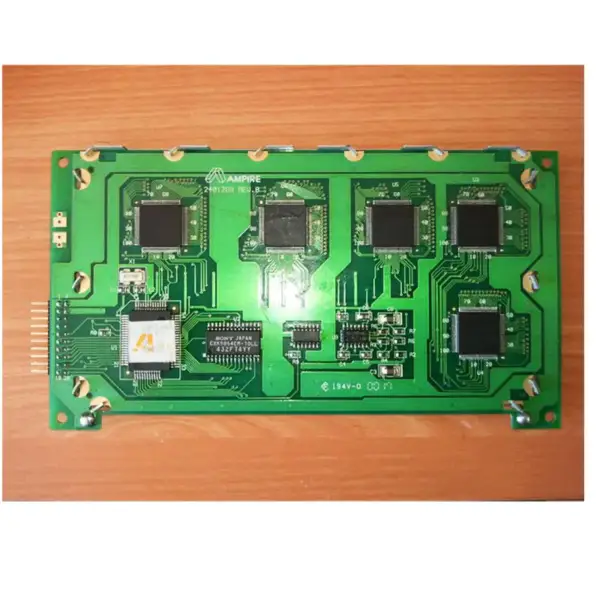
Ones LCD-paneelvervanging Ones Pcb-t240128#6-01
$63.00
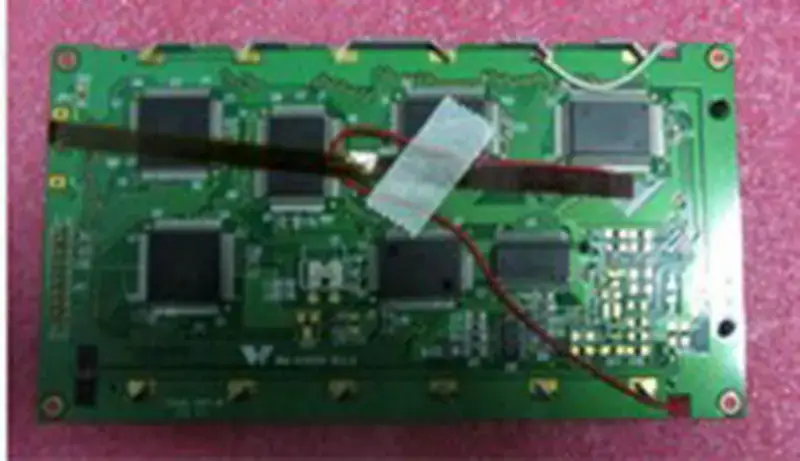
WM-G2412D REV2 LCD-kaart
$176.50
LQ121S1DG42 SHARP LCD-paneelvervanging voor industriële toepassingen LQ121S1DG42 SHARP LCD-paneelvervanging voor industriële toepassingen
LQ121S1DG42 SHARP LCD-paneelvervanging voor industriële toepassingen
$41.00
LQ121S1DG31 SHARP LCD-paneelvervanging voor industriële toepassingen LQ121S1DG31 SHARP LCD-paneelvervanging voor industriële toepassingen
LQ121S1DG31 SHARP LCD-paneelvervanging voor industriële toepassingen
$59.00
LQ121S1DG41 SHARP LCD-paneelvervanging voor industriële toepassingen LQ121S1DG41 SHARP LCD-paneelvervanging voor industriële toepassingen
LQ121S1DG41 SHARP LCD-paneelvervanging voor industriële toepassingen
$29.00

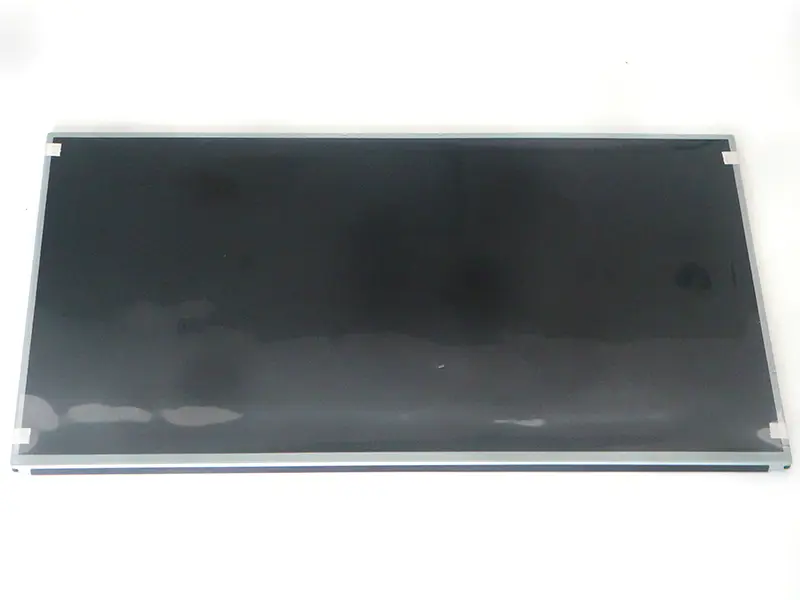
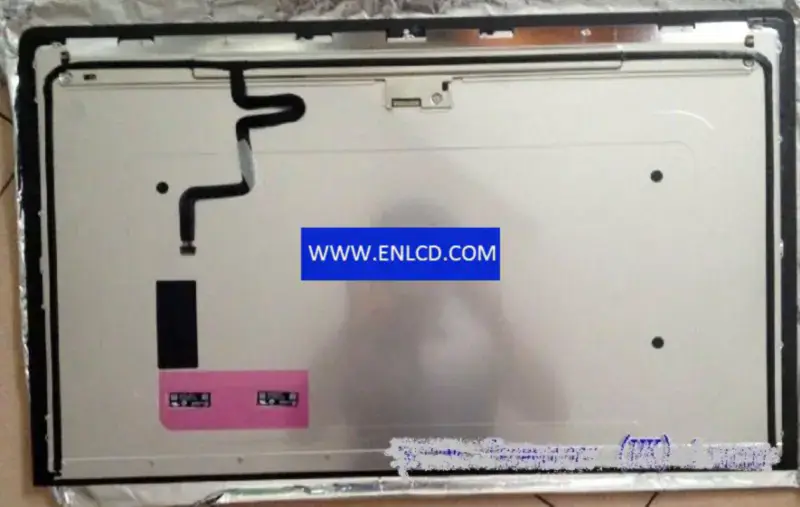
Samsung LTM270HL01 LCD

{{ product.price_format }}
{{ product.origin_price_format }}
voorraad:
SKU:{{ product.sku }}
Model: {{ product.model }}
gewicht: {{ product.weight }} kilogram

{{ variable.name }} : {{ variable.values[selectedVariantsIndex[variable_index]].name }}

{{ value.name }}

Toestand:

hoeveelheid:

Specificatie

Model P/N:LTM270HL01
Merk:Samsung
Diagonale afmeting:27.0"
Oplossing:1920(RGB)×1080, FHD 81PPI
Helderheid:300 cd/m² (Typ.)
Contrastverhouding:1000:1 (Typ.) (TM)
Kijkhoek:89/89/89/89 (Typ.)(CR≥10)
Paneeltype:a-Si TFT-LCD, LCM
Pixelformaat:RGB Vertical Stripe
Actief gebied:597.888(W)×336.312(H) mm
Opening van de rand:602.0(W)×340.4(H) mm
reactietijd:15 (Typ.)(G to G)
Omtrekafmetingen:630(W)×368.2(H) ×14.6(D) mm
Oppervlak:Antiglare (Haze 25%), Hard coating (3H)
Beste uitzicht op:Symmetry
Weergavekleuren:16.7M 72% NTSC
Lamptype:13S3P WLED , 40K hours , Without Driver
Frequentie:75Hz
Touchscreen:Without
Paneelgewicht:3.80Kgs (Max.)
Sollicitatie:Desktop Monitor
Signaalinterface:LVDS (2 ch, 8-bit) , 30 pins Connector
Ingangsspanning:5.0V (Typ.)

offerte aanvragen

beschrijving van uw vereisten:

De Nginx-server moet pseudostatische regels configureren, klik KlikZie hoe je het configureert