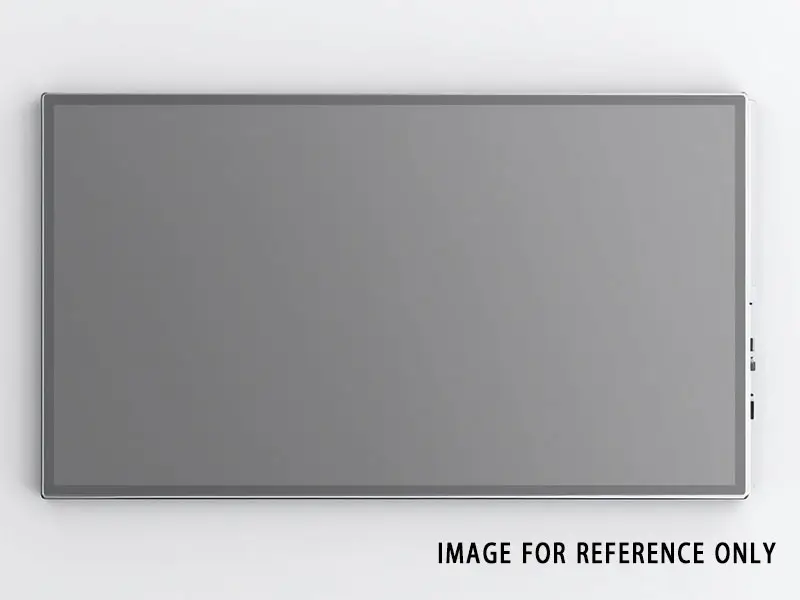
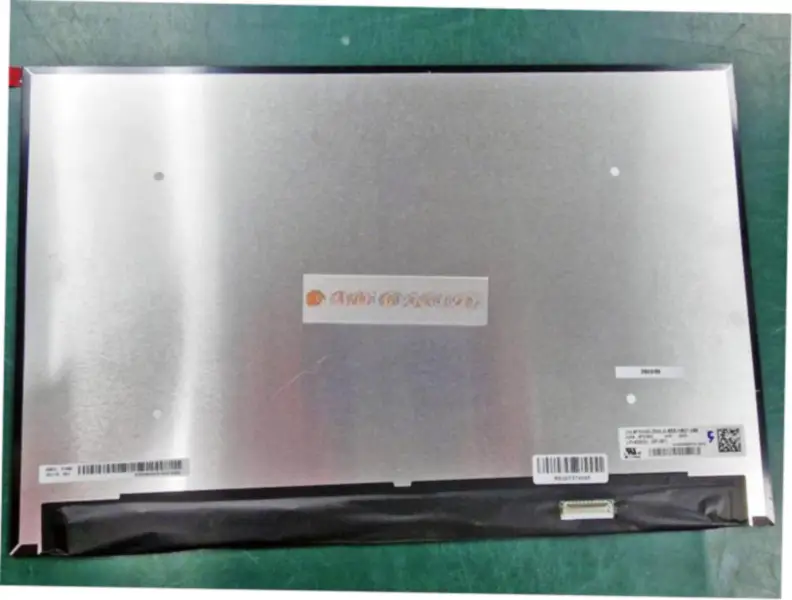
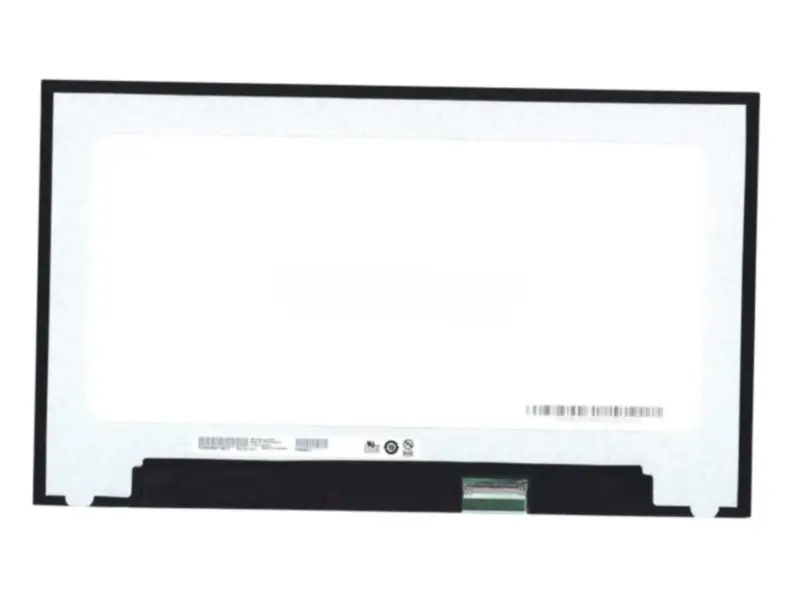
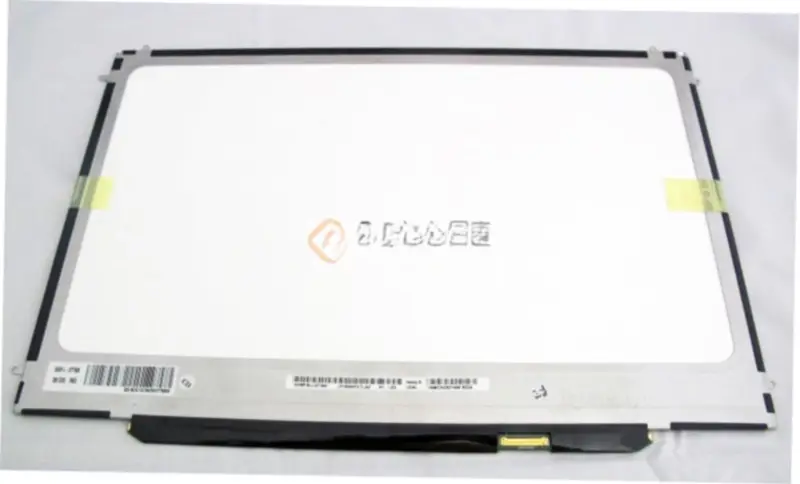
Specyfikacja Model P/N:CLAA185WA04 V4
Marka:CPT
Przekątna:18.5"
Rozdzielczość:1366(RGB)×768, WXGA 84PPI
Współczynnik kontrastu:1000 : 1 (Typ.) (TM)
Kąt widzenia:85/85/80/80 (Typ.)(CR≥10)
Głębia kolorów:16.7M 72% NTSC
Podświetlenie:WLED , 30K hours , No Driver
Typ sygnału:LVDS (1 ch, 8-bit) , 30 pins Connector
Typ panelu:a-Si TFT-LCD, LCM
Format pikseli:Pionowe pasy RGB
Obszar aktywny:409.8(W)×230.4(H) mm
Otwór ramki:413.4(W)×234.0(H) mm
Obróbka powierzchni:Antiglare, Hard coating (3H)
Luminancja:250 cd/m² (Typ.)
Wymiary zewnętrzne (mm):430.37 × 254.6 × 10.4 (H×V×D)
Czas odpowiedzi:5 (Typ.)(Tr+Td) ms
Optymalny kierunek widzenia:6 o'clock
Tryb pracy:TN, normalnie biały, transmisyjny
Masa:1.35Kgs (Typ.)
Używany do:Monitor biurkowy
Częstotliwość odświeżania:75Hz
Ekran dotykowy:Bez
Napięcie zasilania:5.0V (Typ.)
Maksymalne wartości znamionowe:Storage Temp.: -20 ~ 60 °C Operating Temp.: 0 ~ 50 °C
Korzystamy z następujących usług logistycznych, aby dostarczyć Twoje zamówienie do Polski:
Yunexpress DDP: Wszystkie opłaty celne i podatki są wliczone. Dostawa trwa 6-12 dni roboczych.
DHL, UPS, FedEx: Dostawa trwa 2-4 dni robocze. Musisz samodzielnie zapłacić podatek celny, który zostanie pobrany przez firmę logistyczną przy dostawie.
Stan: Nowy Możemy udostępnić spersonalizowane wideo testowe na życzenie.