

{{ variable.name }} : {{ variable.values[selectedVariantsIndex[variable_index]].name }}
quantidade:
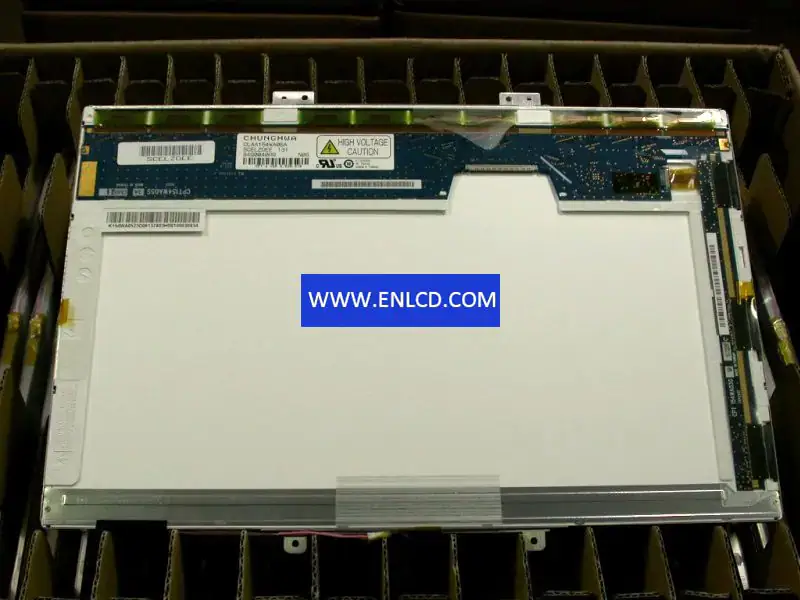
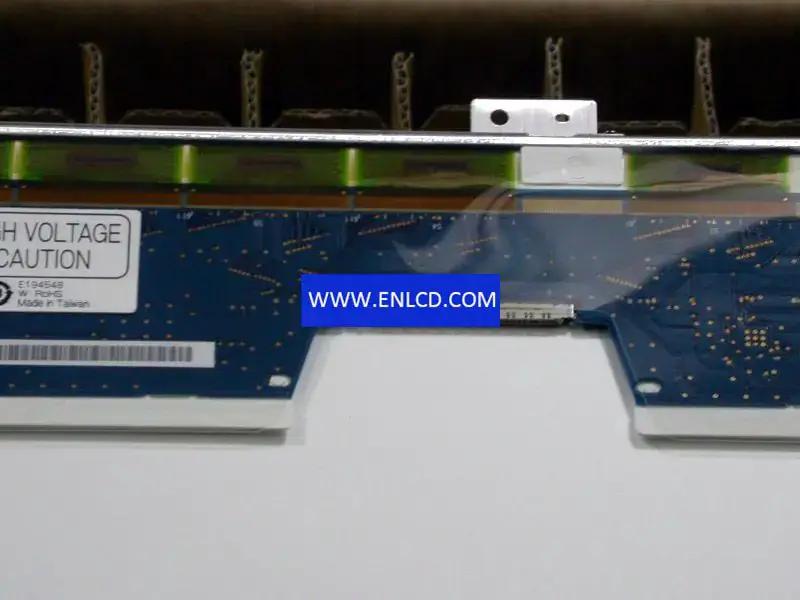
Model P/N:PW070DS1 3
Marca:PVI
Tamanho diagonal:7.0"
Resolução:480(RGB)×234 76PPI
Brilho:400 cd/m² (Typ.)
Relação de contraste:150:1 (Typ.) (TM)
Ângulo de visão:55/55/15/35 (Typ.)(CR≥10)
Tipo de painel:a-Si TFT-LCD, LCM
Formato de pixel:RGB Vertical Stripe
Área ativa:154.08(W)×87.05(H) mm
Abertura da moldura:157.9(W)×91.0(H) mm
Tempo de resposta:30/50 (Max.)(Tr/Td)
Tamanho do contorno:167.1(W)×102(H) ×12.5(D) mm
Superfície:Antiglare, Hard coating
Melhor vista em:6 o'clock
Cores de exibição:Full color
Tipo de lâmpada:1 pcs CCFL , 10K hours , Without Driver
Freqüência:-
Tela sensível ao toque:Without
Peso do painel:205±10g
Aplicativo:Portable DVD Player ,Video Door Phone ,Digital Photo Frame
Interface de sinal:Analog RGB + Composite Video (NTSC/PAL) , 30 pins Connector
Tensão de entrada:5.0/5.0/17.0/-15.0V (Typ.)(VCC/VDD/VGH/VGL)
Utilizamos os seguintes serviços logísticos para entregar o seu pedido em Portugal:
Yunexpress DDP: Todos os direitos aduaneiros e impostos estão incluídos. A entrega demora 6 a 12 dias úteis.
DHL, UPS, FedEx: A entrega demora 2 a 4 dias úteis. Você precisará pagar o imposto de importação por conta própria, o qual será cobrado pela empresa de logística no momento da entrega.
Condição: Novo Podemos fornecer um vídeo de teste personalizado sob solicitação.
descrição_das_suas_necessidades: